Available on iPhone and iPad

Studio talkback, right from your iPhone
Turn your iPhone into a wireless talkback microphone. Connect your Bluetooth audio device, press TALK, and communicate instantly with musicians and performers.
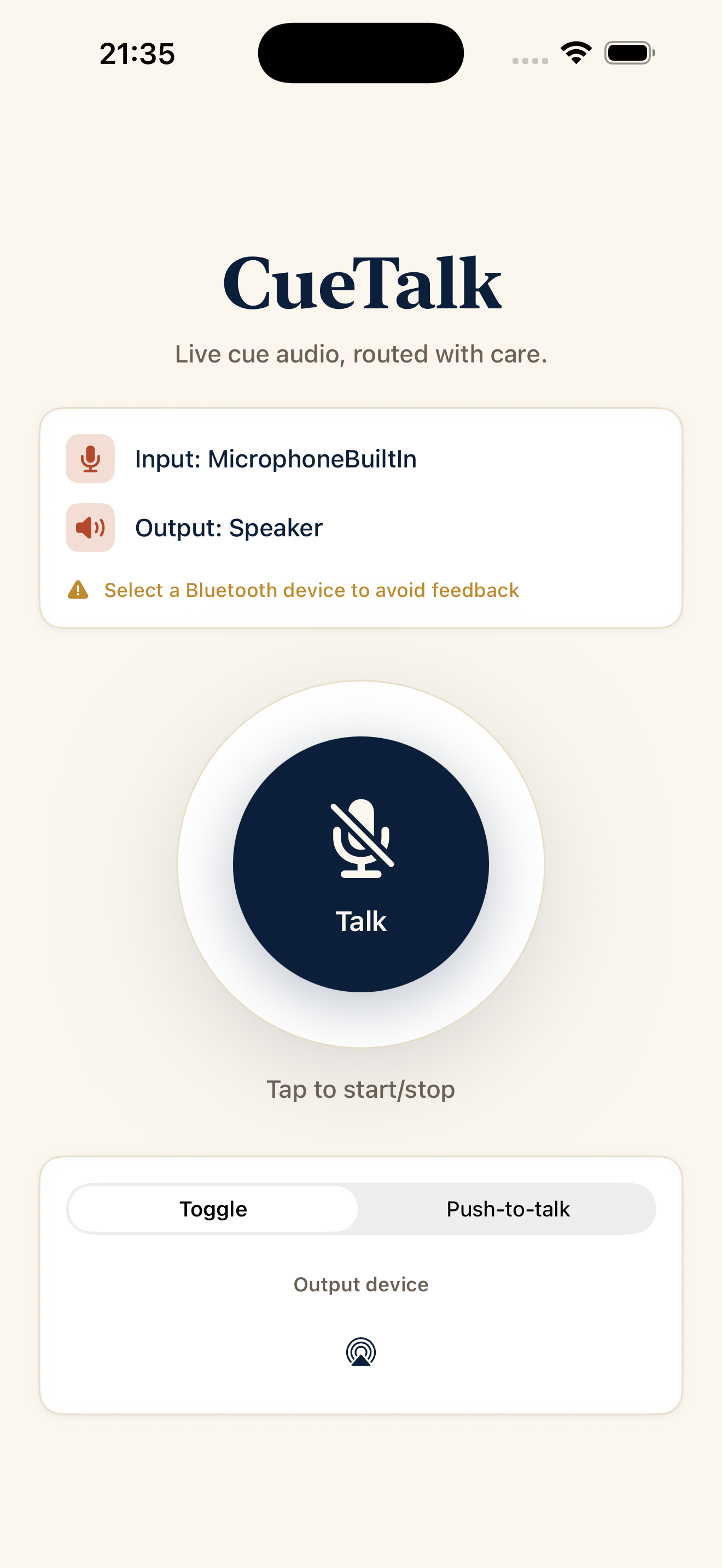
CueTalk turns your iPhone into a simple and immediate wireless talkback microphone
Designed for home studios, rehearsal rooms, and music recording sessions, CueTalk lets you communicate with musicians and performers through a Bluetooth audio device, without the need for a dedicated talkback system.
Connect your Bluetooth device, open CueTalk, and you’re ready to communicate.
You can use talkback in two modes:
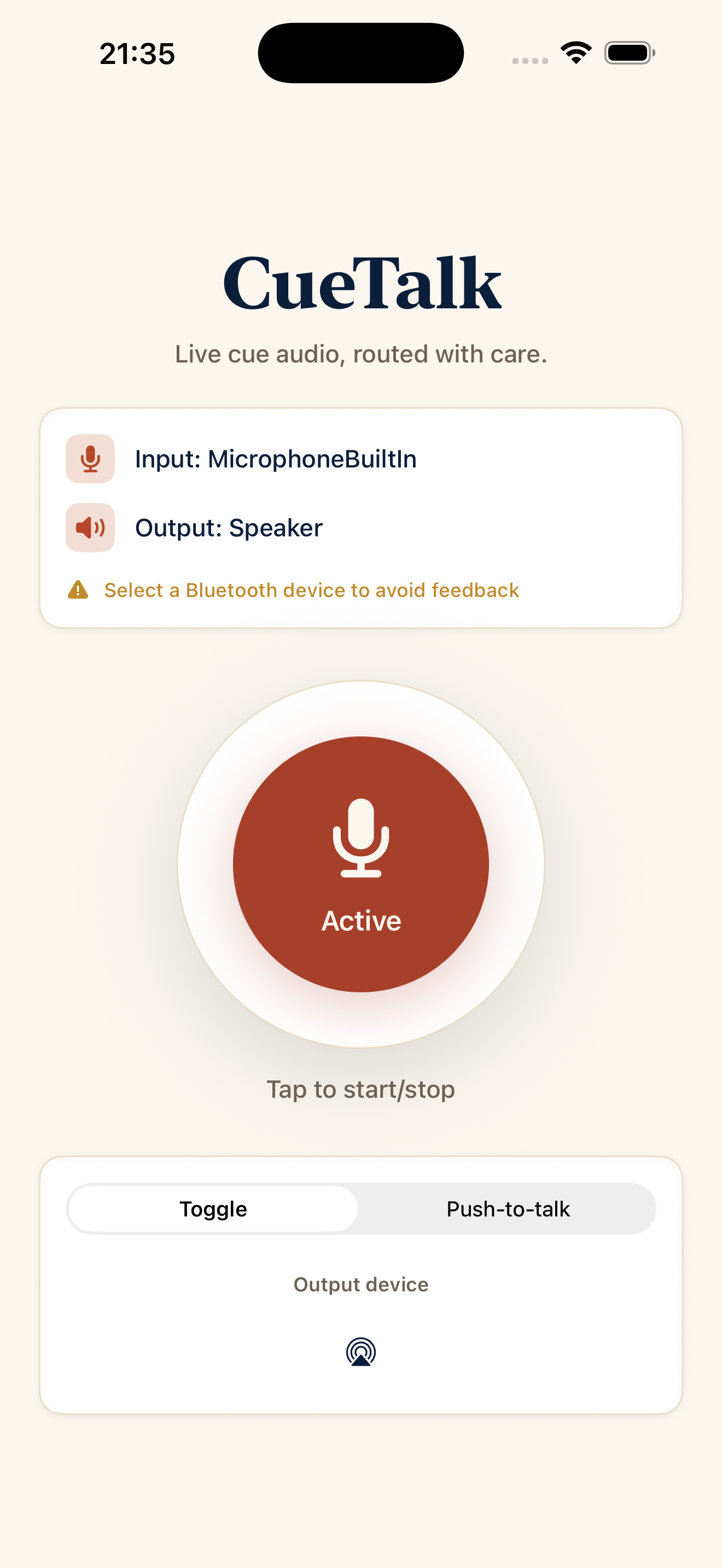
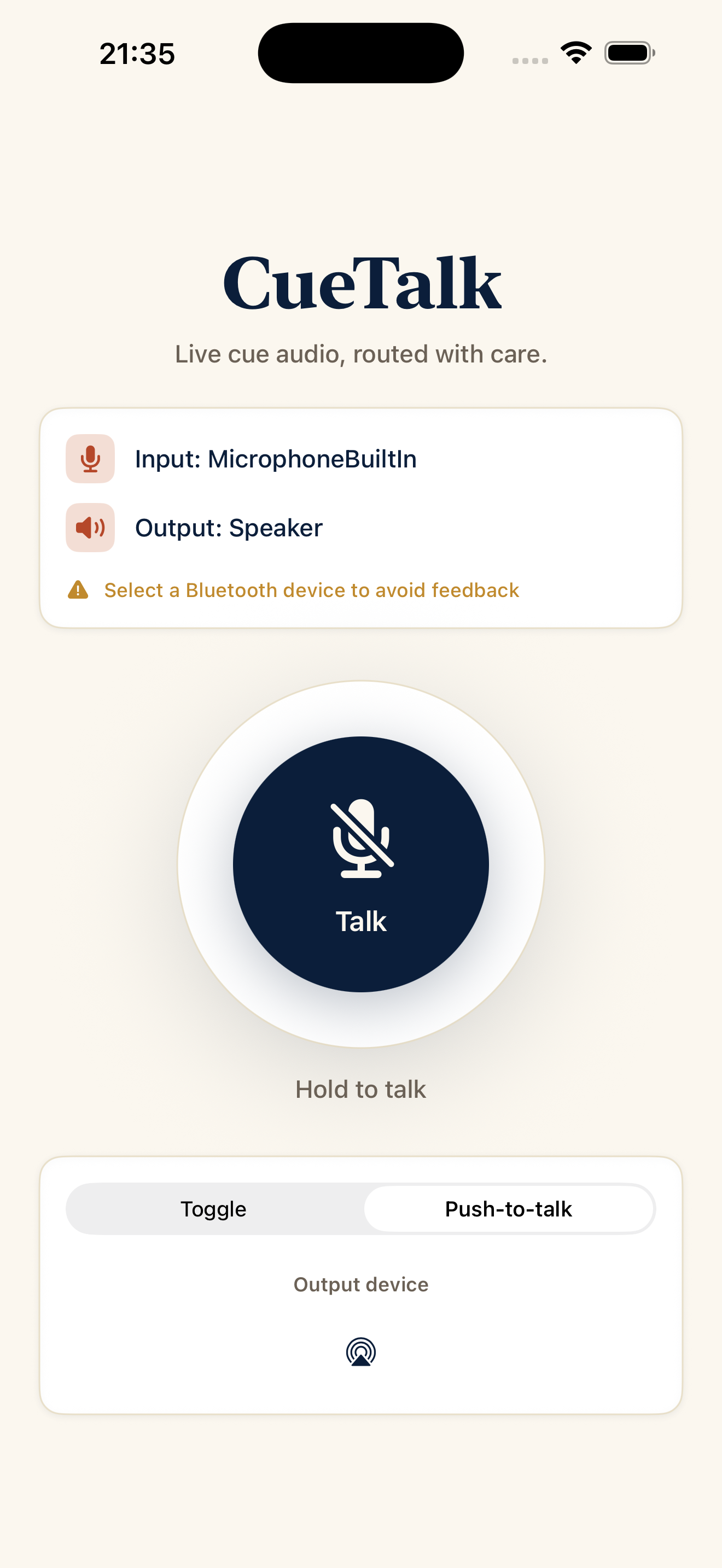
- Toggle - tap TALK to activate the microphone and tap it again to turn it off
- Push-to-Talk - hold TALK to speak and release it to stop
CueTalk lets you select the Bluetooth audio device you want to use and quickly adjust the listening volume using your iPhone’s volume buttons.
The interface is designed for distraction-free use during a session: just a few essential controls, instant access to talkback, and no complicated setup.
Push-to-Talk and Toggle modes
Bluetooth audio device selection
Volume control using the iPhone’s volume buttons
Simple interface designed for quick operation
Ideal for home studios, rehearsal rooms, and music recording sessions
Inside CueTalk
Need a hand?
For CueTalk support, questions about the app or feedback, get in touch. We will be happy to help.
CUE TALK SUPPORTContact support
When possible, include the app version and your iPhone model.